Hexo博客系列No.1 - 搭建Hexo博客,快速简洁高效
Hexo 是一个快速、简洁且高效的静态博客框架,使用 Markdown 编写文章,通过命令行工具一键生成静态网页。本教程将带你从零开始搭建一个基于 Hexo 的个人博客系统。
为什么选择 Hexo?
- 快速生成:基于 Node.js,构建速度极快
- 简洁高效:Markdown 写作,专注于内容创作
- 免费部署:可免费部署到 GitHub Pages、Cloudflare Pages 等平台
- 主题丰富:拥有大量精美的主题选择
- 扩展性强:支持插件系统,功能可按需扩展
环境准备
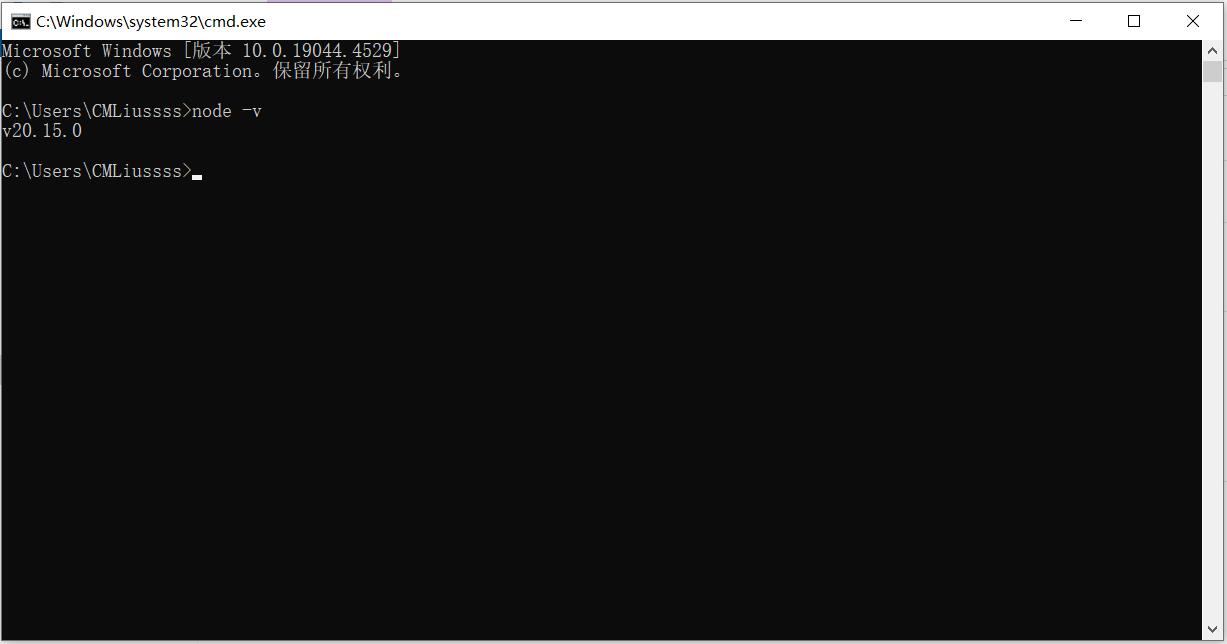
1. 安装 Node.js
首先需要安装 Node.js 环境:

2. 安装 Git
确保系统已安装 Git:
安装 Hexo
1. 全局安装 Hexo CLI
2. 初始化博客项目
1
2
3
4
5
6
|
hexo init my-blog
cd my-blog
npm install
|
3. 本地预览
1
2
3
4
5
|
hexo generate
hexo server
|
访问 http://localhost:4000 即可看到默认的 Hexo 博客。
基本配置
1. 修改博客信息
编辑 _config.yml 文件:
1
2
3
4
5
6
7
8
9
10
11
12
13
14
|
title: 我的博客
subtitle: 记录生活,分享技术
description: 这是一个基于 Hexo 的个人博客
keywords: 博客,技术,生活
author: 你的名字
language: zh-CN
timezone: Asia/Shanghai
url: https://yourname.github.io
root: /
permalink: :year/:month/:day/:title/
permalink_defaults:
|
2. 创建新文章
这会在 source/_posts 目录下创建一个新的 Markdown 文件。
3. 编写文章
编辑刚创建的文章文件:
1
2
3
4
5
6
7
8
9
10
11
12
13
14
15
16
17
18
19
20
21
| ---
title: 我的第一篇文章
date: 2024-12-04 10:00:00
tags:
- 生活
- 感想
categories:
- 日常
---
# 我的第一篇文章
这是我的第一篇 Hexo 博客文章...
## 二级标题
这里是文章内容...
### 三级标题
更多内容...
|
主题安装
Hexo 拥有丰富的主题生态,这里以 AnZhiYu 主题为例:
1. 下载主题
1
2
|
git clone https://github.com/anzhiyu-c/hexo-theme-anzhiyu.git themes/anzhiyu
|
2. 启用主题
修改 _config.yml:
3. 复制主题配置
1
2
|
cp themes/anzhiyu/_config.yml _config.anzhiyu.yml
|
4. 自定义主题
编辑 _config.anzhiyu.yml 根据个人喜好调整主题配置。
部署到 GitHub Pages
1. 创建 GitHub 仓库
在 GitHub 上创建一个名为 yourname.github.io 的仓库。
2. 安装部署插件
1
| npm install hexo-deployer-git --save
|
3. 配置部署信息
在 _config.yml 中添加部署配置:
1
2
3
4
5
|
deploy:
type: git
repo: git@github.com:yourname/yourname.github.io.git
branch: main
|
4. 部署博客
1
2
3
4
5
6
7
8
|
hexo clean
hexo generate
hexo deploy
|
常用命令
1
2
3
4
5
6
7
8
9
10
11
12
13
14
15
16
17
18
19
20
21
22
23
|
hexo new [layout] <title>
hexo generate
hexo g
hexo server
hexo s
hexo deploy
hexo d
hexo clean
hexo list post
hexo publish [layout] <filename>
|
进阶配置
1
| npm install hexo-generator-feed --save
|
在 _config.yml 中添加:
1
2
3
4
5
6
7
8
9
10
|
feed:
type: atom
path: atom.xml
limit: 20
hub:
content:
content_limit: 140
content_limit_delim: ' '
order_by: -date
|
2. 启用站点地图
1
| npm install hexo-generator-sitemap --save
|
3. 添加搜索功能
1
| npm install hexo-generator-searchdb --save
|
配置:
1
2
3
4
5
| search:
path: search.xml
field: post
format: html
limit: 10000
|
总结
通过以上步骤,你已经成功搭建了一个基于 Hexo 的个人博客系统。Hexo 的优势在于:
- 写作体验优秀:使用 Markdown 语法,专注内容创作
- 构建速度快:几秒钟即可生成整个网站
- 部署简单:一条命令即可部署到多个平台
- 主题丰富:可以选择或定制适合自己的主题
- 扩展性强:通过插件可以添加各种功能
接下来你可以:
- 选择喜欢的主题进行个性化配置
- 学习 Markdown 语法提升写作效率
- 探索各种插件增强博客功能
- 定期发布高质量内容
参考资料
本文将持续更新,欢迎关注后续的 Hexo 博客系列文章。